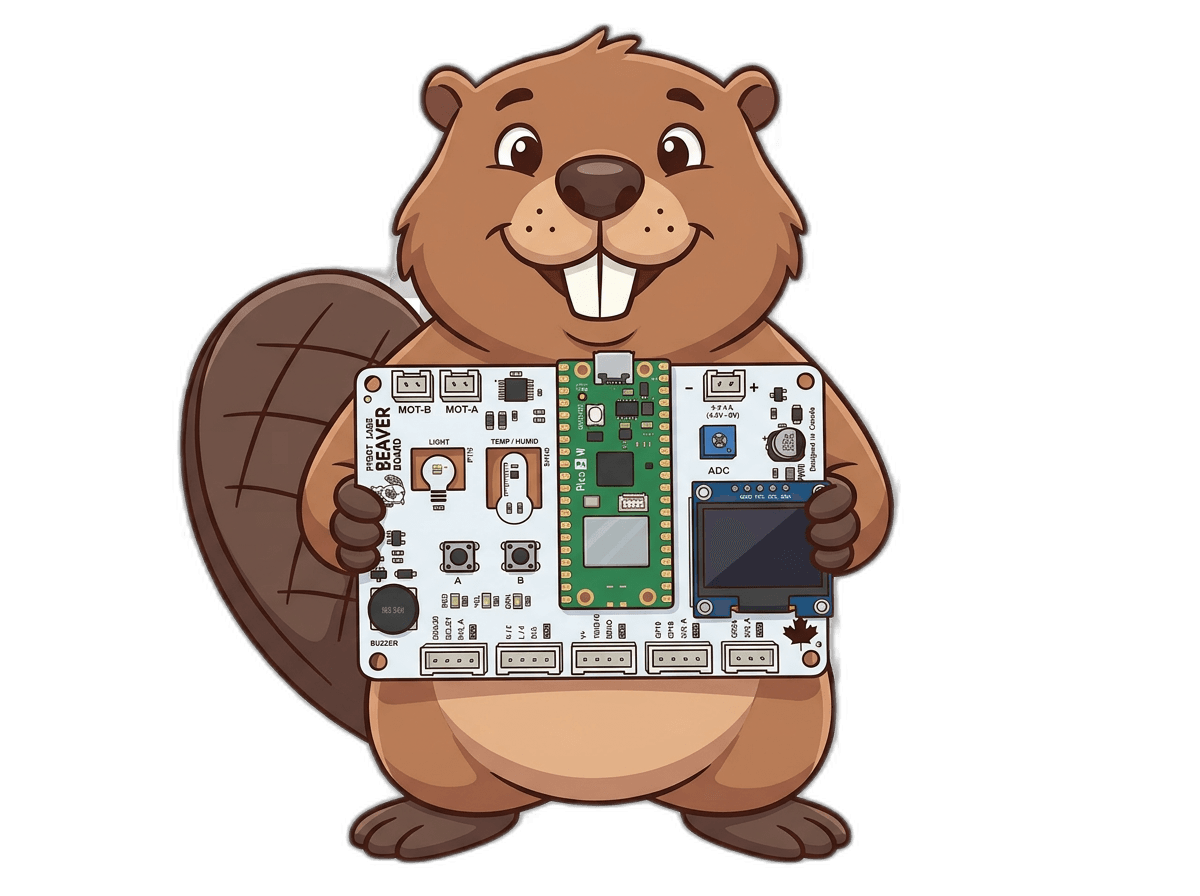
Meet the Beaver Board
A purpose-built ESP32 board for classrooms and young makers ages 8 and up. Motors, sensors, an OLED display, and LEDs are already built onto the board — no wiring, no soldering, and no installs beyond Chrome or Edge.
Ships from Canada
Specs at a glance
14 components. Zero wiring.
Brain & Connectivity
ESP32-WROOM-32
Dual-core processor with built-in Wi-Fi and Bluetooth radio
Wireless code upload
Programs upload over Bluetooth Low Energy — no USB cable needed
Wi-Fi cloud telemetry
Send sensor readings to the cloud and view them from any device
Sensors & Input
Ambient light sensor
PT19 phototransistor for analog light-level readings
Temperature & humidity sensor
SHT40, shares the display's I2C bus
Push buttons A + B + C
Three tactile buttons for user input
Battery voltage sensing
Read the battery level in code to know when to swap batteries
Line-follower port
JST port for an optional 2-channel infrared line sensor
Output & Display
128×64 OLED display
SSD1306 screen — shows the pairing PIN at boot, then your code's graphics or text
3 status LEDs
Red, yellow, green — independently PWM-dimmable
Magnetic buzzer
Plays PWM tones from 1 Hz to 10 kHz
Dual motor driver
DRV8833 — drives two DC motors with independent speed and direction
Power & Expansion
Battery power
4×AA battery pack via a keyed JST connector — powers the board and motors
Expansion headers
Connect a servo motor, a distance sensor, an extra analog channel, or other external I2C devices
What you can build — no assembly required
The Beaver Board runs great on its own, straight out of the box.
Getting Started
Blink the status LEDs, play buzzer tones, and get comfortable dragging blocks or writing your first lines of Python.
Programming Fundamentals
Variables, loops, and if/else logic — the building blocks of real programs, taught through hands-on projects.
Hardware Fundamentals
Control the motors, draw on the OLED display, dim LEDs, and play buzzer songs.
Sensors & Modules
Read the light sensor, the line sensors, and the temperature/humidity sensor to sense the world around you.
Common questions
Do I need to install anything?
No. Everything runs in your browser — just open Chrome or Edge (or use the free PyBot Labs iPad app). No downloads or drivers required.
What age is this for?
The Beaver Board is designed for classrooms and young makers ages 8 and up — no prior coding experience needed.
Do I need an ESP32 or other hardware separately?
No — an ESP32 microcontroller is already built onto the Beaver Board, along with the motor driver, sensors, display, and LEDs. You'll just need a computer with Chrome or Edge, and 4 AA batteries for battery-powered projects.
Do I need a USB cable to upload code?
No. Code uploads wirelessly over Bluetooth Low Energy, directly from your browser — no cables required for everyday use.
What computer or browser do I need?
Any computer, laptop, or Chromebook running Google Chrome or Microsoft Edge (Web Bluetooth is required). An iPad works too, using our free PyBot Labs app.
Where can I buy one?
The Beaver Board is available now for $49 CAD at our online shop. You can also try the free PyBot IDE in your browser right away.
Get your Beaver Board
The Beaver Board is ready to ship. Order now and start building in minutes.
Buy Now — $49 CADShips from Canada