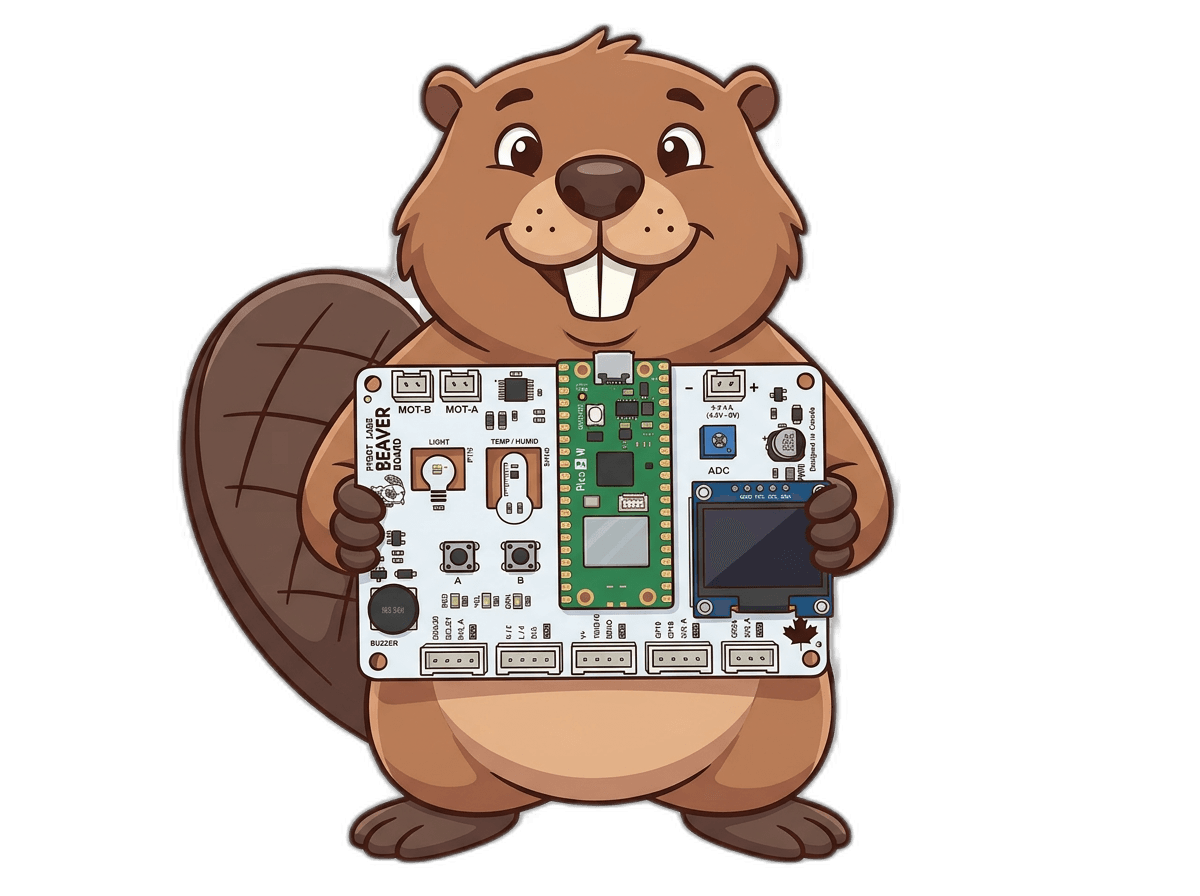
Drag blocks.
Write Python.
Watch it move.
Whether you're 8 years old or a seasoned software engineer, PyBot meets you where you are. Drag blocks or write Python — either way, your Beaver Board does exactly what you tell it to.
Why PyBot Labs?
Visual Block Coding
Drag and drop Scratch-style blocks to build programs. No typing, no syntax errors, no frustration.
Python for the Physical World
Write Python that controls motors, reads sensors, and lights up LEDs. Your code doesn't just run on a screen — it moves things.
Connect Your Robot
Upload directly to your Beaver Board over USB. Watch your code run on real hardware in seconds.
How it works
Build with blocks
Drag and drop visual blocks to create your program — no typing needed.
See the Python
Watch your blocks generate real MicroPython code live in the editor.
Flash to your board
Upload your code to your Beaver Board over USB and run it instantly.
Learn step by step
Follow guided tutorials to build real projects with your board.
Getting Started with PyBot
Learn the PyBot IDE, connect your board, and run your first program.
Start → BeginnerBlink an LED
Your first hardware project — make an LED blink using digital output blocks.
Start → IntermediateDrive a Motor
Control DC motors with your Beaver Board and learn about PWM signals.
Start →Get your PyBot hardware
Both ship from Canada. Start with the Beaver Board on its own, or get the complete Robotics Kit and build a robot you can drive over Bluetooth.
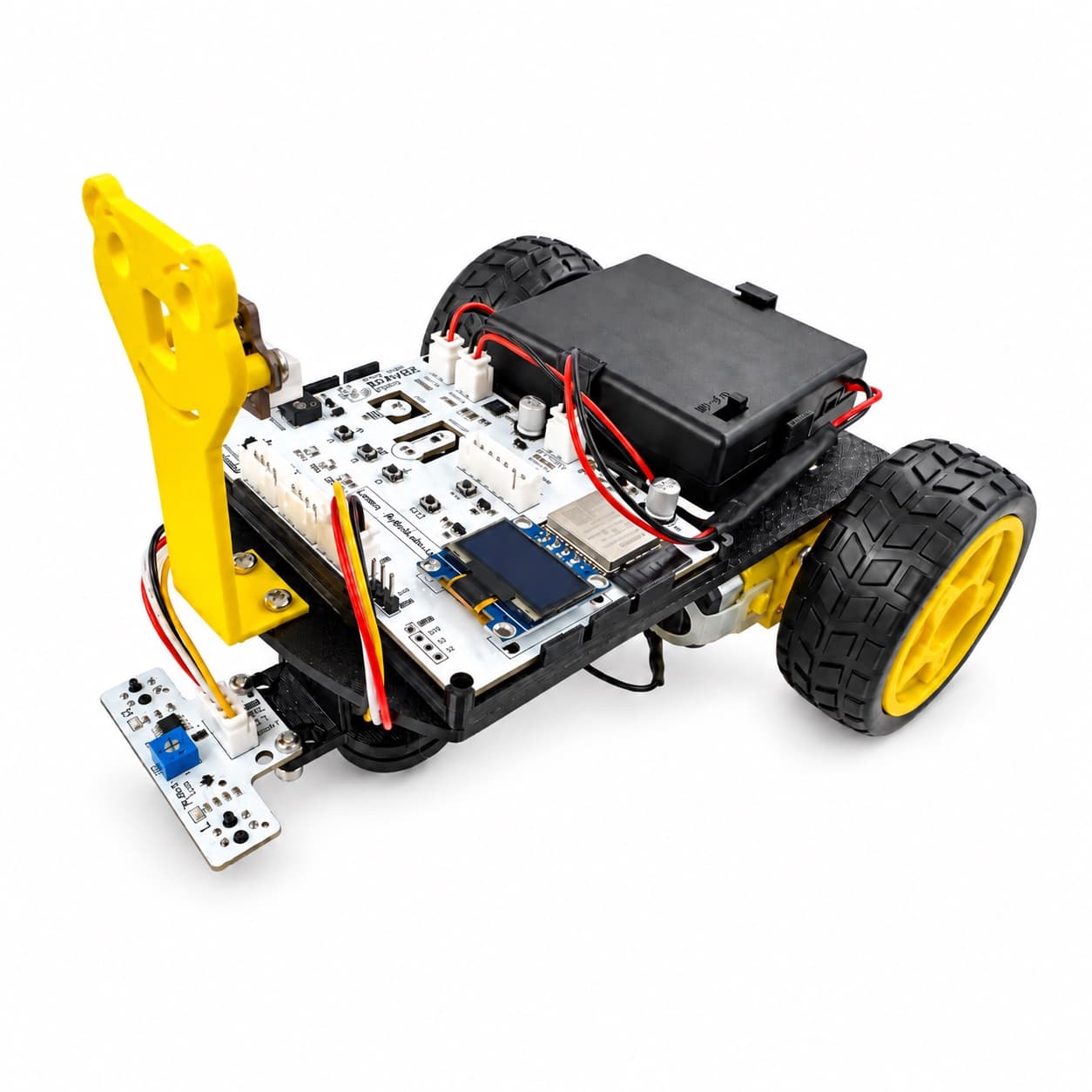
PyBot Robotics Kit
Everything you need to build a wheeled robot: Beaver Board, chassis, motors, wheels, LiDAR distance sensor, line sensor and tools. Snap it together in about 15 minutes.
Ships from Canada · In stock
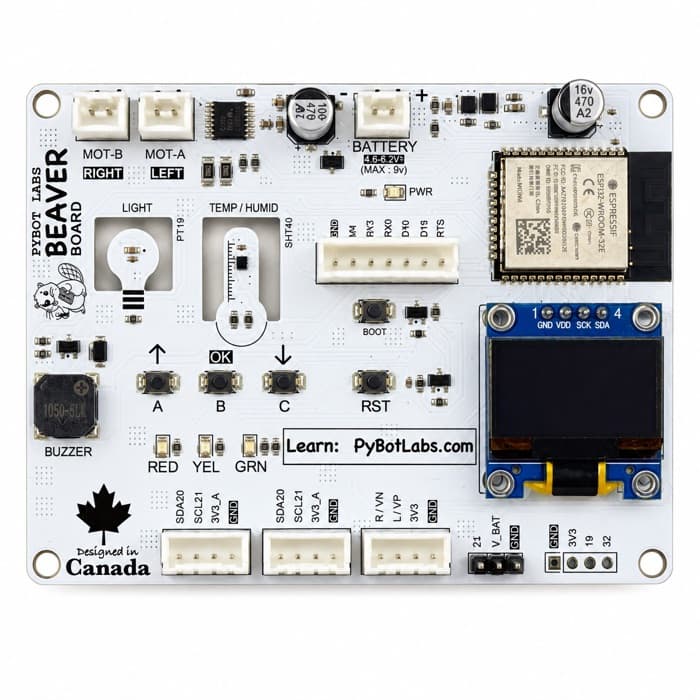
PyBot Beaver Board
A purpose-built ESP32 board for classrooms and young makers ages 8 and up. LEDs, buzzer, OLED, buttons and sensors built in. Plug in and start coding.
Ships from Canada · In stock